
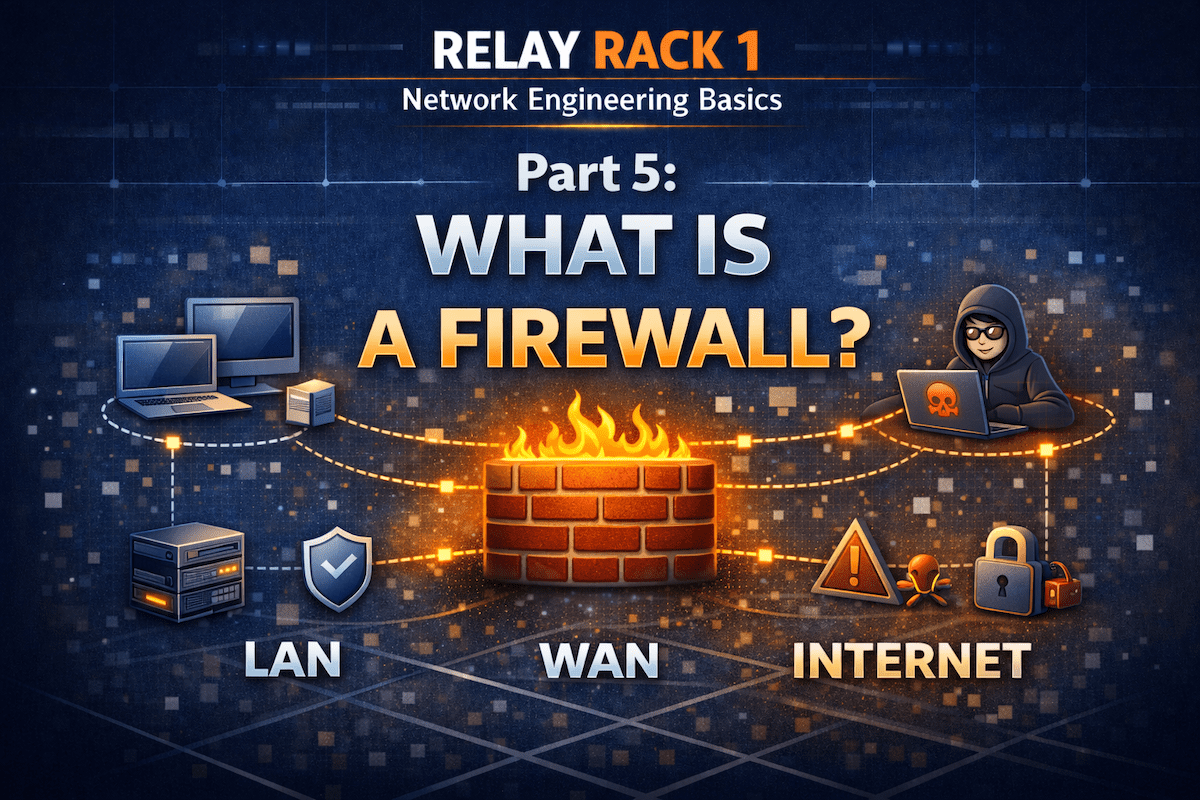
Network Engineering Basics – Part 5:
In modern networks, security is just as important as speed and reliability. That’s where firewalls come in. Simply put, a firewall acts as a protective barrier between trusted networks and untrusted ones. However, there’s much more to it than just “blocking bad traffic.”
In this guide, you’ll learn what a firewall is, how it works, and why it’s a critical part of every network—from home setups to enterprise environments.
What Is a Firewall?
At its core, a firewall is a security device or software that monitors and controls network traffic. It decides what traffic is allowed to pass and what should be blocked, based on a defined set of rules.
In other words, a firewall answers a simple question repeatedly:
Should this traffic be allowed or denied?
By doing so, firewalls help protect systems from unauthorized access, malware, and other network-based threats.
Why Firewalls Are Important
Without a firewall, any device connected to the Internet could be exposed directly to attackers. Fortunately, firewalls reduce this risk by acting as a checkpoint.
More importantly, firewalls:
- Limit exposure to attacks
- Enforce security policies
- Control access between networks
- Help prevent data breaches
As a result, firewalls are considered a foundational security control in networking.
How a Firewall Works (In Simple Terms)
Although firewalls can be complex internally, the basic idea is easy to understand.
First, traffic tries to enter or leave a network.
Next, the firewall inspects that traffic.
Then, it compares the traffic against its rules.
Finally, it either allows or blocks the traffic.
Because of this process, firewalls are often described as traffic gatekeepers.
Types of Firewalls
Over time, firewall technology has evolved. Let’s look at the most common types you’ll encounter.
1. Packet-Filtering Firewalls
These are the simplest firewalls. They inspect individual packets and make decisions based on:
- Source IP
- Destination IP
- Port number
- Protocol
While fast and efficient, packet-filtering firewalls provide limited visibility into traffic.
2. Stateful Firewalls
Next came stateful firewalls, which track active connections. Instead of inspecting packets in isolation, they understand the context of traffic flows.
As a result, stateful firewalls are more secure than basic packet filters and are still widely used today.
3. Next-Generation Firewalls (NGFWs)
Modern networks often rely on next-generation firewalls. These go far beyond basic filtering by adding:
- Application awareness
- Deep packet inspection
- Intrusion prevention
- Malware detection
Because of these advanced features, NGFWs are common in business and enterprise environments.
Hardware vs Software Firewalls
Firewalls come in two main forms, and both are useful depending on the scenario.
Hardware Firewalls
These are physical devices placed at the network edge. They protect entire networks and are common in:
- Businesses
- Data centers
- Home routers
Software Firewalls
In contrast, software firewalls run directly on a device. Examples include:
- Operating system firewalls
- Endpoint security tools
Ideally, networks use both, creating layered security.
Real-World Firewall Examples
To make this more practical, here are a few real-world examples:
- Home network: Your router blocks unsolicited inbound traffic from the Internet.
- Business network: A firewall controls access between internal departments and external services.
- Cloud environment: Virtual firewalls protect workloads and restrict traffic between subnets.
In each case, the firewall enforces trust boundaries.
Where Firewalls Sit in a Network
Typically, firewalls are placed:
- Between the LAN and the Internet
- Between internal network segments
- In front of critical servers or services
Because of this placement, firewalls play a key role in network segmentation and defense-in-depth strategies.
Firewalls vs Routers (Quick Comparison)
Although routers and firewalls are often combined into one device, they serve different purposes.
- Router: Moves traffic between networks
- Firewall: Decides whether traffic should be allowed
In many cases, a single device performs both roles, but conceptually, they are distinct.
Common Firewall Rules (Beginner Friendly)
Most firewall configurations include rules such as:
- Allow outbound web traffic (HTTP/HTTPS)
- Block unsolicited inbound traffic
- Allow trusted internal traffic
- Deny known malicious ports or protocols
Over time, learning to write and read firewall rules becomes an essential networking skill.
What’s Next in the Relay Rack 1 Series?
Now that you understand what a firewall is and why it matters, you’re ready to move one layer deeper into how networks actually find things and connect reliably.
In the next article, you’ll learn:
- What DNS (Domain Name System) is in plain English
- How DNS turns names like relayrack1.com into IP addresses
- The difference between authoritative DNS and recursive resolvers
- Common DNS record types (A, AAAA, CNAME, MX) and what they do
- Practical troubleshooting basics using tools like nslookup and dig
Final Thoughts
In summary, a firewall is one of the most important security tools in networking. It protects devices, controls traffic, and enforces security policies.
As you continue learning network engineering basics, understanding firewalls will help you:
- Design safer networks
- Troubleshoot connectivity issues
- Build real-world security skills
This knowledge is another key building block in your network engineering journey.
Welcome back to Network Engineering Basics on Relay Rack 1.
Coming next: