
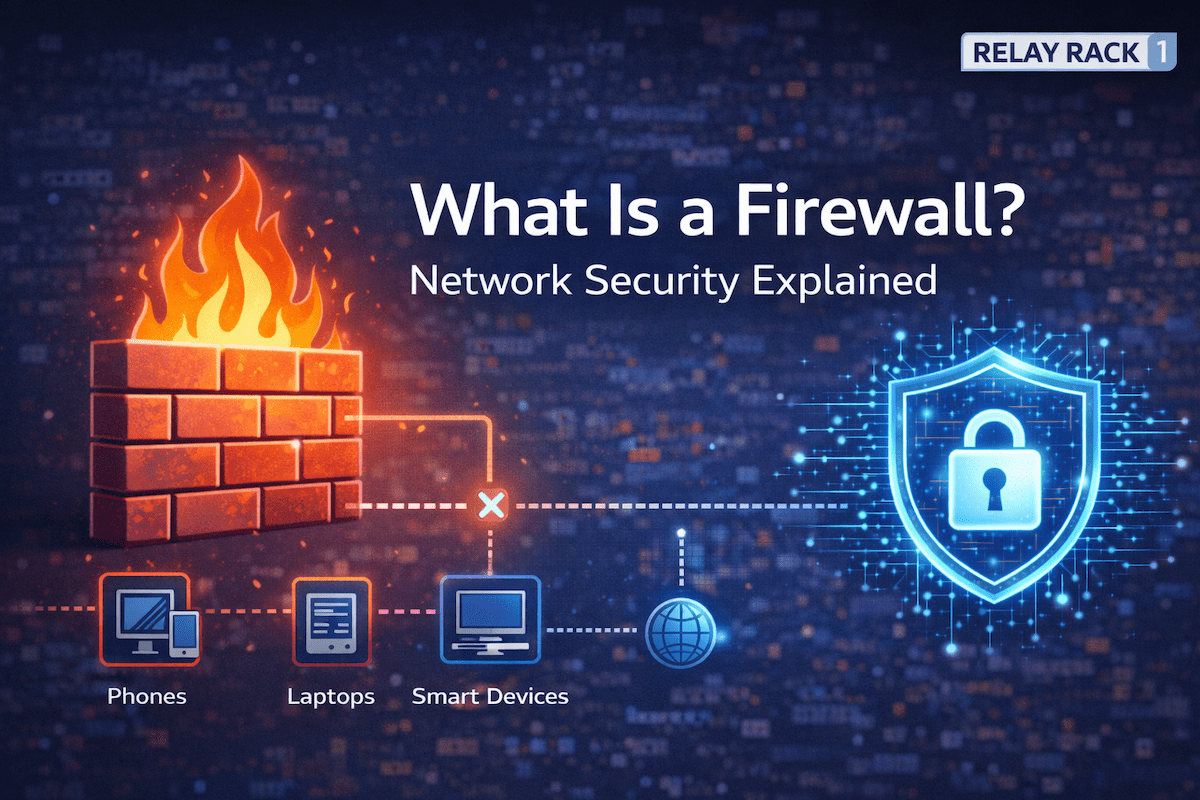
A Beginner-Friendly Guide to Network Security
A firewall is one of the most important security components in modern networking. Whether you manage a home network or a business environment, a firewall helps protect systems from unauthorized access, malicious traffic, and cyber threats.
In this article, you’ll learn what a firewall is, how it works, and why it matters, using simple explanations and real-world examples.
Why Firewalls Are Important
As networks connect more devices to the internet, security risks increase. For that reason, firewalls act as a first line of defense. They monitor traffic and decide what is allowed or blocked based on defined security rules.
Without a firewall, systems are exposed directly to the internet. As a result, attackers can more easily scan, probe, and exploit vulnerable services.
What Is a Firewall?
A firewall is a security device or software that controls network traffic based on rules. It sits between trusted networks (like your internal network) and untrusted networks (such as the internet).
In simple terms, a firewall:
- Allows safe traffic
- Blocks unsafe traffic
- Enforces security policies
Because of this, firewalls help protect data, devices, and users.
How a Firewall Works
Firewalls inspect network traffic as it passes through them. Then, based on configured rules, they decide whether to allow or deny that traffic.
Typically, a firewall evaluates:
- Source and destination IP addresses
- Port numbers
- Protocols (TCP, UDP, ICMP)
- Connection state
- Application data (in advanced firewalls)
As traffic flows, the firewall compares it against its ruleset. If traffic matches an allowed rule, it passes through. Otherwise, it is blocked or logged.
Common Types of Firewalls
There are several types of firewalls, each serving a different purpose.
Packet-Filtering Firewalls
Packet-filtering firewalls are the simplest type. They examine packets individually and make decisions based on basic information.
These firewalls:
- Check IP addresses and ports
- Allow or deny traffic quickly
- Use minimal resources
However, because they lack context, they offer limited protection compared to newer technologies.
Stateful Firewalls
Stateful firewalls improve upon packet filtering by tracking active connections.
In addition to basic checks, they:
- Remember established connections
- Allow return traffic automatically
- Block unexpected packets
As a result, stateful firewalls provide stronger security while maintaining performance.
Next-Generation Firewalls (NGFW)
Next-generation firewalls combine traditional firewall functions with advanced security features.
They often include:
- Application awareness
- Intrusion prevention
- Deep packet inspection
- User-based policies
Because of these capabilities, NGFWs are common in business and enterprise environments.
Hardware vs Software Firewalls
Firewalls can be implemented in different ways.
Hardware Firewalls
- Dedicated physical devices
- Protect entire networks
- Common in offices and data centers
Software Firewalls
- Installed on individual devices
- Protect a single system
- Common on laptops and servers
In many environments, both are used together for layered security.
Firewalls in Home Networks
Most home routers include basic firewall functionality. Although simple, these built-in firewalls still provide essential protection.
For example, they:
- Block unsolicited inbound traffic
- Hide internal devices from the internet
- Provide basic network isolation
In most homes, the firewall is built into the internet router. Although basic, this firewall still provides important protection.
[ Internet ]
|
[ Router / Firewall ]
|
[ Phones | Laptops | Smart Devices ]
What the firewall does in this case:
- Blocks unsolicited inbound traffic from the internet
- Allows devices inside the home to access the web
- Hides internal IP addresses using NAT
As a result, external attackers cannot directly reach home devices unless a rule allows it.
Therefore, even home users benefit from firewall protection.
Firewalls in Business Networks
In business environments, firewalls play a much larger role. They help enforce security policies, protect sensitive data, and support compliance requirements.
Businesses often use firewalls to:
- Segment networks
- Control application access
- Monitor traffic patterns
- Log security events
As networks grow, firewall configuration becomes increasingly important.
Small Office Firewall (Dedicated Firewall Appliance)
In a small business, a dedicated firewall is often placed between the modem and the internal network. This setup offers more control and visibility than a consumer router.
[ Internet ]
|
[ Modem ]
|
[ Firewall ]
|
[ Switch ]
|
[ PCs | Servers | Printers ]
What the firewall does here:
- Controls inbound and outbound traffic
- Allows only approved services (VPN, email, web apps)
- Logs traffic for troubleshooting and security review
Because of this setup, businesses gain stronger security and better oversight.
Firewall with Network Segmentation (VLANs)
As networks grow, segmentation becomes critical. Firewalls often control traffic between internal network segments, not just internet traffic.
[ Internet ] | [ Firewall ] / \ [ User VLAN ] [ Server VLAN ] | | [ PCs ] [ Databases ]
What the firewall enforces:
- Users can access servers only on approved ports
- Servers cannot initiate traffic back to user devices
- Sensitive systems remain isolated
Therefore, even if one part of the network is compromised, the damage is limited.
Firewall Protecting Remote Access (VPN)
Firewalls often secure remote access for employees and engineers working off-site.
[ Remote User ]
|
( VPN )
|
[ Firewall ]
|
[ Internal Network ]
What the firewall handles:
- Authenticates VPN users
- Encrypts traffic
- Restricts access based on role or policy
As a result, remote users can work securely without exposing the internal network to the internet.
Enterprise Firewall with Advanced Inspection
In large organizations, next-generation firewalls inspect traffic at a deeper level.
[ Internet ]
|
[ NG Firewall ]
|
[ Core Network ]
Advanced capabilities include:
- Application-level filtering
- Intrusion prevention
- Malware detection
- User-based policies
Because of this, enterprise firewalls can stop threats that basic firewalls would miss.
Common Firewall Mistakes to Avoid
Even with a firewall, misconfiguration can create risk. For instance:
- Allowing unnecessary open ports
- Using overly broad rules
- Failing to update firewall software
- Ignoring firewall logs
By reviewing rules regularly and following best practices, these issues can be avoided.
Firewalls and Modern Network Security
Today, firewalls work alongside other security tools such as intrusion detection systems, endpoint protection, and zero-trust architectures.
Rather than acting alone, firewalls now form part of a layered security strategy. This approach improves overall protection and reduces reliance on a single defense mechanism.
Final Thoughts
A firewall is a foundational component of network security. While simple in concept, it plays a critical role in protecting systems and data from threats.
In summary:
- Firewalls control network traffic
- They protect trusted networks from untrusted ones
- They are essential for both home and business environments
At Relay Rack 1, we focus on practical networking knowledge that helps engineers and users understand not just what tools exist, but how and why to use them effectively.