
A Practical Guide for Network Engineers
Secure Shell (SSH) is one of the most important tools in modern networking and systems administration. Engineers use SSH every day to securely access servers, network devices, and infrastructure across local and remote environments.
In this article, you’ll learn what SSH is, how it works, and how to use SSH securely to protect systems and data.
What Is SSH?
SSH, short for Secure Shell, is a cryptographic network protocol that allows users to securely connect to another system over an unsecured network. Most commonly, SSH provides encrypted command-line access to servers, routers, switches, and firewalls.
Unlike older remote-access methods such as Telnet, SSH encrypts all traffic. As a result, usernames, passwords, and commands remain protected from interception.
Why SSH Is Important
SSH plays a critical role in modern IT environments. Specifically, it allows engineers to:
- Manage remote servers securely
- Configure network devices
- Transfer files safely
- Automate administrative tasks
- Troubleshoot systems without physical access
Because SSH is secure by design, it has become the standard method for remote system access.
How SSH Works (In Simple Terms)
SSH works by creating an encrypted tunnel between a client and a server.
Here’s a simplified overview:
- The client initiates a connection to the server
- The server proves its identity using a host key
- The client authenticates using a password or key
- All communication is encrypted for the session
Because of this process, attackers cannot easily read or modify SSH traffic.
Common SSH Use Cases
SSH is widely used across many environments. For example:
- Logging into Linux and Unix servers
- Managing cloud infrastructure
- Accessing routers, switches, and firewalls
- Running remote commands and scripts
- Transferring files using SCP or SFTP
In short, if you manage systems remotely, SSH is essential.
Basic SSH Command
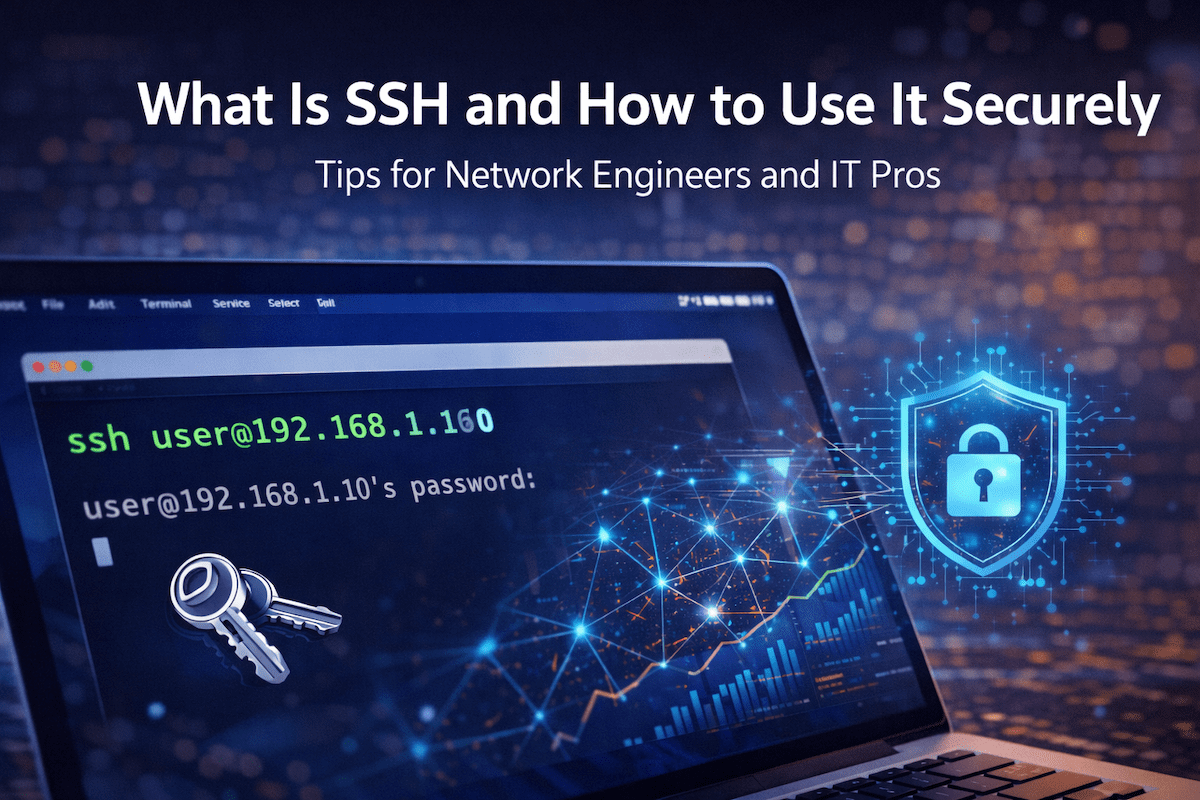
The most common SSH command looks like this:
ssh username@hostnameExample:
ssh admin@192.168.1.10Once connected, you can run commands as if you were sitting at the remote system.
How to Use SSH Securely
While SSH is secure by default, poor configuration can introduce risk. Therefore, following best practices is critical.
1. Use SSH Key Authentication Instead of Passwords
Passwords can be guessed, reused, or stolen. SSH keys are far more secure.
Why SSH Keys Are Better
- Strong cryptographic authentication
- Resistant to brute-force attacks
- No passwords sent over the network
How SSH Keys Work
- A private key stays on your computer
- A public key is stored on the server
- Both keys must match for access
Whenever possible, disable password logins and rely on keys instead.
2. Disable Root Login
Allowing direct root access over SSH increases risk. Instead, log in as a normal user and elevate privileges only when needed.
Best practice:
- Disable root SSH login
- Use sudo for administrative tasks
This limits damage if an account is compromised.
3. Change the Default SSH Port (Optional)
By default, SSH uses port 22. While changing the port does not replace real security, it can reduce noise from automated scans.
If you change the port:
- Choose a non-standard port
- Update firewall rules accordingly
- Document the change clearly
This step adds minor protection but should never replace strong authentication.
4. Restrict Access with Firewalls
Limit which systems can access SSH.
For example:
- Allow SSH only from known IP addresses
- Block public access when possible
- Use VPNs or jump hosts for remote access
By reducing exposure, you lower the attack surface.
5. Use Strong Encryption Settings
Modern SSH supports strong encryption by default. However, outdated systems may still allow weak algorithms.
Best practices include:
- Disable legacy ciphers
- Disable old key exchange methods
- Keep OpenSSH updated
Strong encryption protects data even if traffic is intercepted.
6. Monitor and Log SSH Activity
Logging helps detect misuse or intrusion attempts.
You should:
- Enable SSH logging
- Review failed login attempts
- Use intrusion prevention tools when appropriate
Monitoring ensures suspicious activity does not go unnoticed.
Common SSH Security Mistakes to Avoid
Even experienced users can make mistakes. For instance:
- Using passwords instead of keys
- Reusing SSH keys across many systems
- Leaving SSH open to the public internet
- Ignoring updates and security patches
Avoiding these issues greatly improves overall security.
SSH in Modern Network Engineering
Today, SSH plays a key role in:
- Network automation
- Configuration management
- Infrastructure as code
- Cloud and hybrid environments
As networks grow more complex, secure remote access becomes even more important.
Final Thoughts
SSH is a foundational technology for network engineers and IT professionals. While it is secure by design, proper configuration and disciplined use are essential to keep systems safe.
By using SSH keys, limiting access, and following best practices, you can confidently manage systems while reducing risk.
At Relay Rack 1, we focus on practical, real-world networking knowledge that engineers can trust and apply immediately.